
After automating the installs for the browsers listed, I see the following issues with the GUI for Google Apps:
Google Calendar: Instead of drop down menus, Overlapping words are shown arrow_drop_down in maps and calendar
View attachment 9950
View attachment 9952
Google Maps: Have to refresh the screen twice to see the directions or landmarks.
Google Drive: Cannot use period. Cannot view or upload files. Also cannot create folders.
View attachment 9953
I do not have these issues with a untouched Vanilla Windows install
I did the following Troubleshooting steps:
I have a short 1 minute video of my screen capture of the apps I mentioned (If that's allowed).
NTLite Error
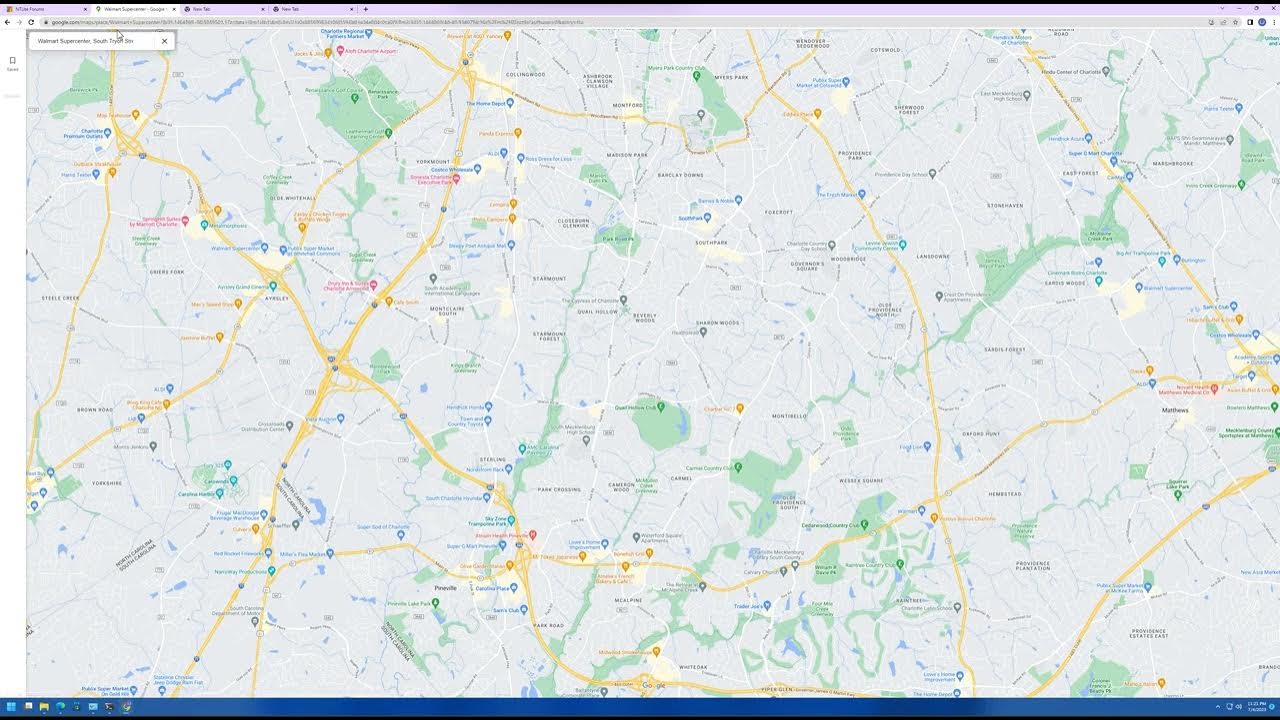
 www.youtube.com
Google Calendar: Instead of drop down menus, Overlapping words are shown arrow_drop_down in maps and calendar
View attachment 9950
View attachment 9952
Google Maps: Have to refresh the screen twice to see the directions or landmarks.
Google Drive: Cannot use period. Cannot view or upload files. Also cannot create folders.
View attachment 9953
I do not have these issues with a untouched Vanilla Windows install
I did the following Troubleshooting steps:
- Remove the browser executable from post install and installed them manually by downloading them from the actual site.
- Remove the browser executable from post install and install them using winget
I have a short 1 minute video of my screen capture of the apps I mentioned (If that's allowed).
NTLite Error
NTLite Google Error 2023 07 04 23 21 10
www.youtube.com