Removing Virtual Desktop & Task View functionality

D

denywinarto

Guest
I googled but i can't find anything about this.
Problem with windows 10 is, it has virtual desktop which can be used to hack a billing program at my place.
But it only starts introducing the gpedit for disabling it in windows 11.
But windows 11 is uefi only and it's nightmare for my diskless environment.
So is there anyway to strip virtual desktop from a windows 10 ISO?
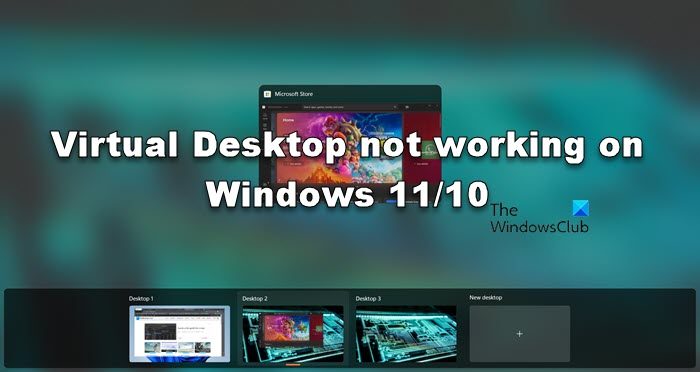
 
Virtual Desktop is known as Task View. Uncheck the Recommended box in the Compatibility mode to allow its removal.

View attachment 12206
Thanks! no wonder i didnt show up on my ntlite..
Another minor thing, it doesn't seem to work on older windows version like 1809?
ntlite doesn't show it at all, while on newer version like 2h21 it works.
View attachment 12211
 
Last edited by a moderator:
I downloaded a copy of W10 1809 (17763.379), and it's there on Home & Pro.
 
Ah sorry i mispelled the version name,
1709 i version of the image i showed earlier
on 2h22 i managed to removed it though,
 
1709 is really obsolete, but you already knew that. If app security is a legitimate concern, consider upgrading to 1809. Which is still outdated, but less a compatibility concern than compared to jumping to 20H2 or higher.
 
i see, is there any way to upgrade to 1809 from 1709 without reinstalling? theres tons of settings that would take alot of time to reapply
 
You can always do a manual upgrade install (mount the ISO, and run Setup.exe). Obviously you should perform a test run on another PC that already has your 1709 image installed.
 
Would it be possible to mount the vhd to ntlite and upgrade it to any compatible windows version?
Just tried it, looks like due to the nature of my diskless program, upgrading version would bloat the size significantly

Edit, and after reboot, looks like impossible to upgrade under diskless position, it says upgrade failed cause of boot error.
I'll try attaching the vhd to a ssd later
 
Last edited by a moderator:
NTLite can only install updates for an image, but it cannot do any UPGRADES. Just like you can't install KB updates to convert 1709 -> 1809. You're basically performing a side-by-side install of Windows, and importing the current user profiles and apps.

After upgrades are done, you can purge the Windows.old folder.
 
Hmm wait a minute, even after removing the task view, i am still able to create the new virtual desktop!

So I dont think this is the way to do it.. looks like all it does is removing the task view button on bottom taskbar...
But we can still create new virtual desktop using win+tab,..
Any thoughts? i just tested it on windows 11 and hide taskview gpedit does the same,..

Edit : I have tried the power toys solution, with it i can reroute the shortcut to another unused keys.
But the problem is, it loads after user is logged in. The hacker use the virtual desktop BEFORE login at the login page,
so it's not an ideal solution.
The only way to prevent this is to completely remove it from windows,...
 
Last edited by a moderator:
One of the most common reasons why Virtual Desktop is not working on your computer is conflicting [B]UDP[/B]. UDP or [B]User Datagram Protocol[/B] is [I]a Transport Layer protocol [/I]that assists the computer in building a connection with the server. We will disable it as it conflicts with other protocols and does not allow Virtual Desktop to work. To do the same, follow the prescribed steps.


Any idea which UDP port is used by virtual desktop? perhaps we can somehow block that port using firewall?
 
Virtual Desktop has two different meanings, depending on which feature is being used.

1. For pinning apps to an extended desktop, in order to make better use of having only one monitor. Apps are assigned to different desktops, and only one desktop is visible at a time. You can switch between desktops using a Windows key combo.

Multiple desktops in Windows

View attachment 12225

2. For opening a Remote Desktop session to a networked PC, and displaying it in a window. Anything that references a network layer is the second meaning of Virtual Desktop, and unrelated to the first feature.
 
I see, back to square one then :(

Maybe the only way is to make it bugged somehow by disabling specific components on windows?
 
Back
Top