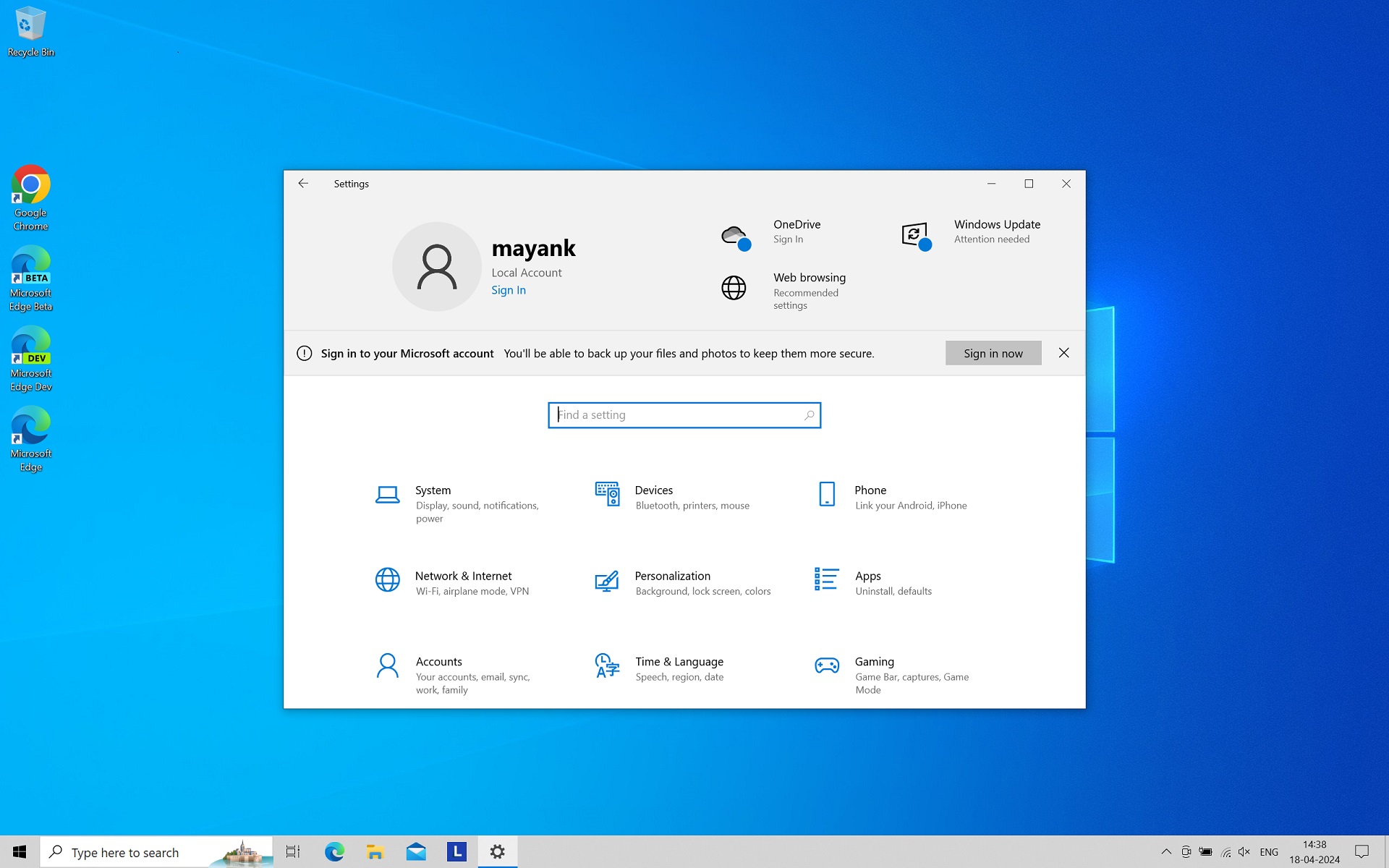
Windows 11 24H2 Disable "Show me suggested content in the Settings app"

martinii

New Member
Messages
8
Reaction score
1
Hi guys,

How to disable options (Settings->Privancy->General):
- Show me suggested content in the Settings app
- Show me notifications in the Settings app

and (Settings->Gaming)
- Allow your controller to open Game Bar

in Windows 11 24H2?
 
Last edited:
Is it in NTlite or virtual machine? If it cannot be disabled in ntlite, nuhi will see this post and look for a solution. The preview version is understandable.
 
- Show me suggested content in the Settings app
There isn't a single NTLite Settings which manages this control, it's a group of related reg values.
Enable or Disable Suggested Content in Settings in Windows 11

Copy this to a .reg file, and Add this file to Post-Setup (After logon):
Code:
Windows Registry Editor Version 5.00

[HKEY_CURRENT_USER\Software\Microsoft\Windows\CurrentVersion\ContentDeliveryManager]
"SubscribedContent-338393Enabled"=dword:00000000
"SubscribedContent-353694Enabled"=dword:00000000
"SubscribedContent-353696Enabled"=dword:00000000

- Show me notifications in the Settings app
From NTLite's Settings, Desktop / Notification Center -> disabled

- Allow your controller to open Game Bar

Copy this to a .reg file (can be the same file as before), and Add this file to Post-Setup (After logon):
Code:
Windows Registry Editor Version 5.00

[HKEY_CURRENT_USER\Software\Microsoft\GameBar]
"UseNexusForGameBarEnabled"=dword:00000000
 
"Show me suggested content in the Settings app"
is already present in NTLite

Will add the other two.

Thanks.
 
garlin works perfectly!

nuhi could You point me please where this option (Show me suggested content in the Settings app) is? I checked few times and I didn't noticed it.

 
Settings --> Privacy --> Show me suggested content in the Settings App
That is true, but only if "Content Delivery Manager" is not removed.
So maybe that's the problem why it is not listed.

I will remove that requirement to avoid future confusion, even though I believe those suggestions depend on that component, not 100% certain.
 
And that's why I can't see this option...

[...]

From NTLite's Settings, Desktop / Notification Center -> disabled

[...]
It doesn't work. I think this option "Show me notifications in the Settings app" is new one in Windows 11 24H2...

Ok, I think I figured it out! This registry key did the trick:

Code:
Windows Registry Editor Version 5.00

[HKEY_CURRENT_USER\Software\Microsoft\Windows\CurrentVersion\SystemSettings\AccountNotifications]
"EnableAccountNotifications"=dword:00000000
 
Last edited:
It doesn't work. I think this option "Show me notifications in the Settings app" is new one in Windows 11 24H2...
Settings, Desktop / Notification Center and Privacy / Show me notifications in the Settings app are 2 different options

Show me notifications in the Settings app option is for that :

Notification Center (Settings - System - Notifications in Windows) is for popups in the systray (like the one for safely removing device)

;)
 
Last edited:
Back
Top