Just like the recently released patch KB5121003, which caused bugs in several games, the ultimate issue comes back to the patches themselves. While the latest patches fix security vulnerabilities, those vulnerabilities aren't of much use to regular users. What everyday users actually need is a stable, highly compatible environment to run various games and software. When the newest patch causes issues, the only option is for the game or software developers to release an update. However, many applications are no longer maintained and will never receive updates. Therefore, is there a recommended patch version that is relatively stable, or is it better to skip updates altogether?

You are using an out of date browser. It may not display this or other websites correctly.
You should upgrade or use an alternative browser.
You should upgrade or use an alternative browser.
Windows 11 LTSC 2024 26100.1742 is there a recommended patch version that is relatively stable, or is it better to skip updates altogether?
- Thread starter devilink
- Start date
scaramonga
Active Member
- Messages
- 214
- Reaction score
- 48
I'm using 26100.9267 (Preview) on LTSC ATM:

Probably still includes the bug?, but I've tested no games as yet.
26100.8973 is OK.
Release Preview Build 26100.9267/26200.9267 - Windows Insider Program
Release notes for Release Preview Build 26100.9267/26200.9267.
learn.microsoft.com
Probably still includes the bug?, but I've tested no games as yet.
26100.8973 is OK.
scaramonga
Active Member
- Messages
- 214
- Reaction score
- 48
They all do, take your pick 
MS CU's are a 'roll the dice' policy now. What may fix something, then another thing is gonna break. This month it's the 'gaming' bug, next, who knows?
MS CU's are a 'roll the dice' policy now. What may fix something, then another thing is gonna break. This month it's the 'gaming' bug, next, who knows?
Last edited:
What is the gaming bug, sorry I am asking for specifics but I like to understand what the issues are.
I am noticing if I install the CU, my test VM loses about 40% responsiveness performance, which is a huge hit.
So for the benefit of those who come across this thread.
It breaks 'inpoutx64' which is used by RGB software (this does exist on my desktop).
The update also breaks the windows hello pin system, and display features such as HDR.
I agree CU's are a joke these days, and it seems a lot is stemming Microsoft are making too broad changes that really should only be done in feature change builds, not maintenance updates.
I am now stuck in two minds, do I after deploying Win11 never install any CU update, or do I allow it but with 30-90 day deferral. Clearly 7 days is nowhere near enough. Deferral may also be no good if fixes are only done in later CU's.
If there is a good consensus on one particularly good CU, it may be an argument to integrate and then prevent future updates afterwards.
I am noticing if I install the CU, my test VM loses about 40% responsiveness performance, which is a huge hit.
So for the benefit of those who come across this thread.
It breaks 'inpoutx64' which is used by RGB software (this does exist on my desktop).
The update also breaks the windows hello pin system, and display features such as HDR.
I agree CU's are a joke these days, and it seems a lot is stemming Microsoft are making too broad changes that really should only be done in feature change builds, not maintenance updates.
I am now stuck in two minds, do I after deploying Win11 never install any CU update, or do I allow it but with 30-90 day deferral. Clearly 7 days is nowhere near enough. Deferral may also be no good if fixes are only done in later CU's.
If there is a good consensus on one particularly good CU, it may be an argument to integrate and then prevent future updates afterwards.
Last edited:
scaramonga
Active Member
- Messages
- 214
- Reaction score
- 48
Which is exactly what I'm trying to do, but the next CU always breaks something....If there is a good consensus on one particularly good CU, it may be an argument to integrate and then prevent future updates afterwards.
We also dont know if issues from previous CU are fixed, as Microsoft seem very good at releasing statements saying they havent confirmed problem, and then nothing happens afterwards. Best Windows OS to use is one out of mainstream support, as then they stop all the broad changes, and just do critical fixes only.Which is exactly what I'm trying to do, but the next CU always breaks something....
scaramonga
Active Member
- Messages
- 214
- Reaction score
- 48
And welcome to this week's CU's bugs - 9278
Sigh.
https://www.reddit.com/r/Windows11/comments/1w0158t/august_27_2026kb5120998_os_builds_262009278_and/
Sigh.
Find a CU that is stable enough for your own needs. There are always going to be bugs but providing the bugs are in things you dont use or that you can ignore sysprep and capture and use that as your new baseline install wim.
I am still using the last non esu for w10 21h2 ltsc because it it stable enough for my needs.
I install the untouched ms iso, enable .net 3.5 - install net 4.8, manually update then sysprep and capture. If there is a problem installing one of the updates i know its the update that is the problem because i havnt used ntlite yet so i dont end up wasting nuhi's time.
I am still using the last non esu for w10 21h2 ltsc because it it stable enough for my needs.
I install the untouched ms iso, enable .net 3.5 - install net 4.8, manually update then sysprep and capture. If there is a problem installing one of the updates i know its the update that is the problem because i havnt used ntlite yet so i dont end up wasting nuhi's time.
Last edited:
Just another day in paradise :/ - SNAFU!And welcome to this week's CU's bugs - 9278
scaramonga
Active Member
- Messages
- 214
- Reaction score
- 48
It sure is my friend 
I keep coming across new issues, many are nasty, this one is horrific.

 github.com
I think the latest CU I can do based on current discoveries is maybe Feb 2026 (before they banned Macrium 8.x driver). But I will probably come across more.
Many of these issues are caused by feature changes. There is no need for them to be meddling with trim flags outside of a feature build update.
[vioscsi] Windows 11 guest, virtio-win-0.1.285-1, trim broken Since May 12 2026 (Patch Tuesday) · Issue #1574 · virtio-win/kvm-guest-drivers-windows
May 12, 2026—KB5089549 Running a Windows 11 Pro guest VM with VirtIO-SCSI boot drive: Proxmox 9.2 Hypervisor VMs stored on ZFS Windows 11 Pro Guest VM virtio-win-0.1.285-1 Until May 2026 VirtIO tri...
github.com
I think the latest CU I can do based on current discoveries is maybe Feb 2026 (before they banned Macrium 8.x driver). But I will probably come across more.
Many of these issues are caused by feature changes. There is no need for them to be meddling with trim flags outside of a feature build update.
August preview CU, another bad bug.
Desktop settings get wiped.
 www.bleepingcomputer.com
Yep feature changes. 24H2/25H2 are basically dev builds now.
I can see from extratcing a CU, it bundles SSU plus a bunch of updated components seperate to each other.
I think from this it may be possible to package up personalised updates for integration either on to live system or to an image.
So e.g. 3 options for enthusiasts.
1 - Install everything (use existing CUs).
2 - Install SSU + security updates, regardless if major regressions or not.
3 - Install SSU + only security updates that have no major regressions.
I can foresee dependency issues though from frankenstein build.
Desktop settings get wiped.
Microsoft says KB5120998 Windows update resets desktop settings
Microsoft has confirmed that desktop settings are lost or reset on some Windows devices after installing the KB5120998 August 2026 preview update.
Yep feature changes. 24H2/25H2 are basically dev builds now.
KB5120998 was released on August 27 with Start menu, taskbar, and Windows search improvements for Windows 11 versions 25H2 and 24H2.
I can see from extratcing a CU, it bundles SSU plus a bunch of updated components seperate to each other.
I think from this it may be possible to package up personalised updates for integration either on to live system or to an image.
So e.g. 3 options for enthusiasts.
1 - Install everything (use existing CUs).
2 - Install SSU + security updates, regardless if major regressions or not.
3 - Install SSU + only security updates that have no major regressions.
I can foresee dependency issues though from frankenstein build.
Last edited:
4 options,So e.g. 3 options for enthusiasts
4 - change what you do/your way of working.
You can clarify? I should stop using Windows?4 options,
4 - change what you do/your way of working.
Does what you do only run on windows 11, is there an older version of windows you can use? w10 ltsc w8.1 w7? could you use Apple or Linux?
Literally look at what you do and ask yourself is there an alternate way of doing things?
I am still using windows 8.1 because i have older hardware, i dont need to run microsofts latest abomination, i can dual OS because Firefox + Thunderbird, Free Download Manager work on both platforms.
You dont need to answer here, just go and have a good long think.
Literally look at what you do and ask yourself is there an alternate way of doing things?
I am still using windows 8.1 because i have older hardware, i dont need to run microsofts latest abomination, i can dual OS because Firefox + Thunderbird, Free Download Manager work on both platforms.
You dont need to answer here, just go and have a good long think.
The whole point of what I am doing is to upgrade Windows.
I do have a new plan of action though.
Web browsing and email clients will be run on laptop and VM only, so the bulk of high risk activity, attack vectors will no longer be done on PC, only web browser usage will be for streaming services. It will basically be for media, and for running things like ntlite.
PC will have latest SSU and non CU updates,, no CU installed, or up until the first broken CU only (june 2025 they started doing a lot of feature changes).
VM and Laptop will have all CU installed.
Once SteamOS supports Nvidia, that will be dual booted as well, so I can evaluate its usefulness.
There is validity in your idea and I thank you for sharing it, but there is 11 specific features I will be utilising, and want vendor support.
I do have a new plan of action though.
Web browsing and email clients will be run on laptop and VM only, so the bulk of high risk activity, attack vectors will no longer be done on PC, only web browser usage will be for streaming services. It will basically be for media, and for running things like ntlite.
PC will have latest SSU and non CU updates,, no CU installed, or up until the first broken CU only (june 2025 they started doing a lot of feature changes).
VM and Laptop will have all CU installed.
Once SteamOS supports Nvidia, that will be dual booted as well, so I can evaluate its usefulness.
There is validity in your idea and I thank you for sharing it, but there is 11 specific features I will be utilising, and want vendor support.
Last edited:
For reference, I did go through every CU that has been released since GA.
Here is my notes, with the most recent one actually only being the July 2026 CU. (not the out of band). Just bear in mind a lot of problems reported are not confirmed on these pages. Feb conveniently is just before Macrium driver got banned.
Here is my notes, with the most recent one actually only being the July 2026 CU. (not the out of band). Just bear in mind a lot of problems reported are not confirmed on these pages. Feb conveniently is just before Macrium driver got banned.
Code:
https://support.microsoft.com/en-us/servicing/os/windows-11/2024/09/windows-11-version-24h2-update-history
Below have no known issues from Microsoft's point of view. 24H2

July 2026 KB5101650
March 31 2026 out of band KB5086672
March 21 2026 out of band KB5085516
Feb 2026 KB5077181
Last edited:
scaramonga
Active Member
- Messages
- 214
- Reaction score
- 48
Let's see what happens this month, lol
 www.windowslatest.com
 www.windowslatest.com
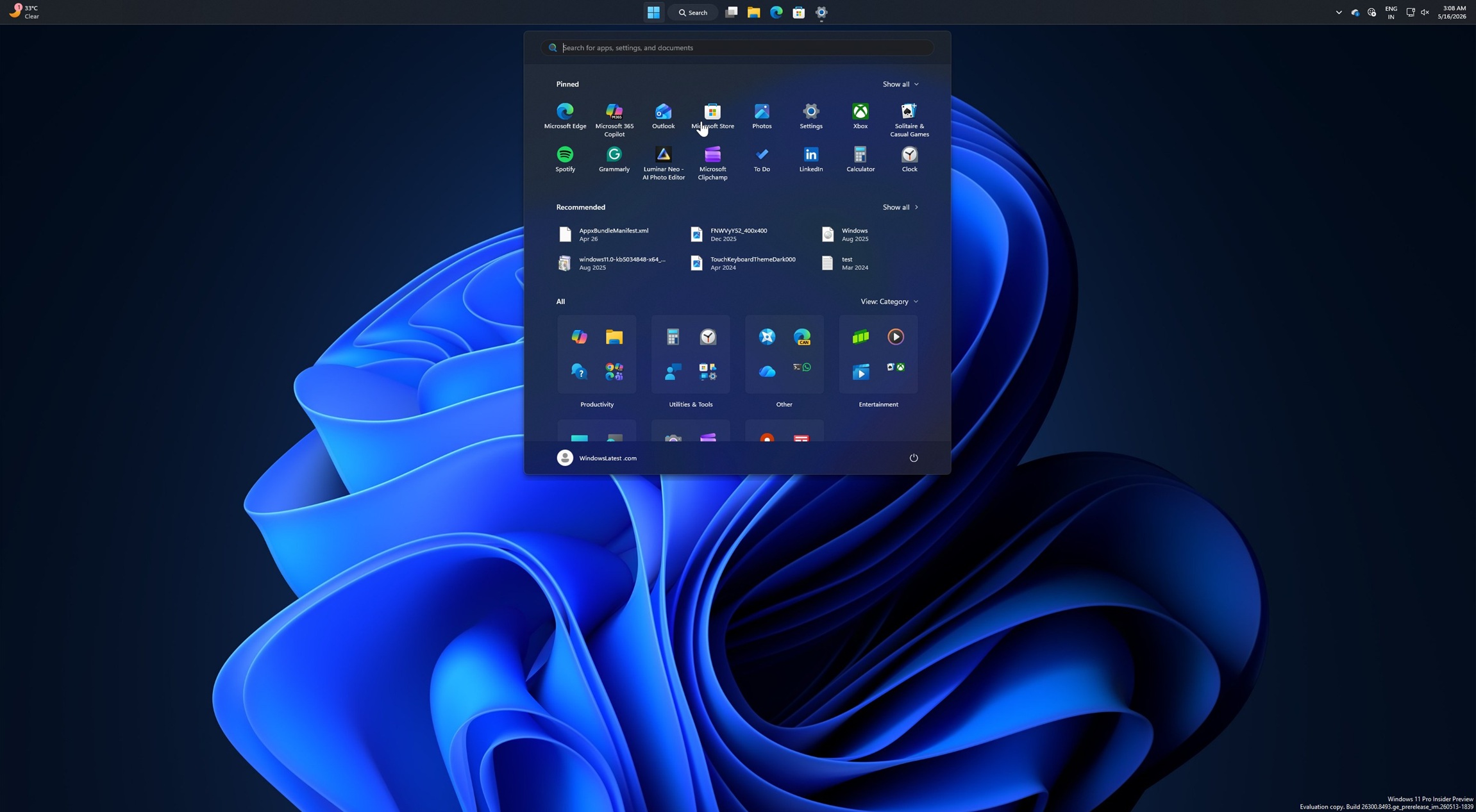
Windows 11 KB5124008 out with 3 features, direct download links for offline installer (.msu)
Windows 11 KB5124008 is here, and it comes with at least three of the most requested features, including a smaller taskbar.
www.windowslatest.com
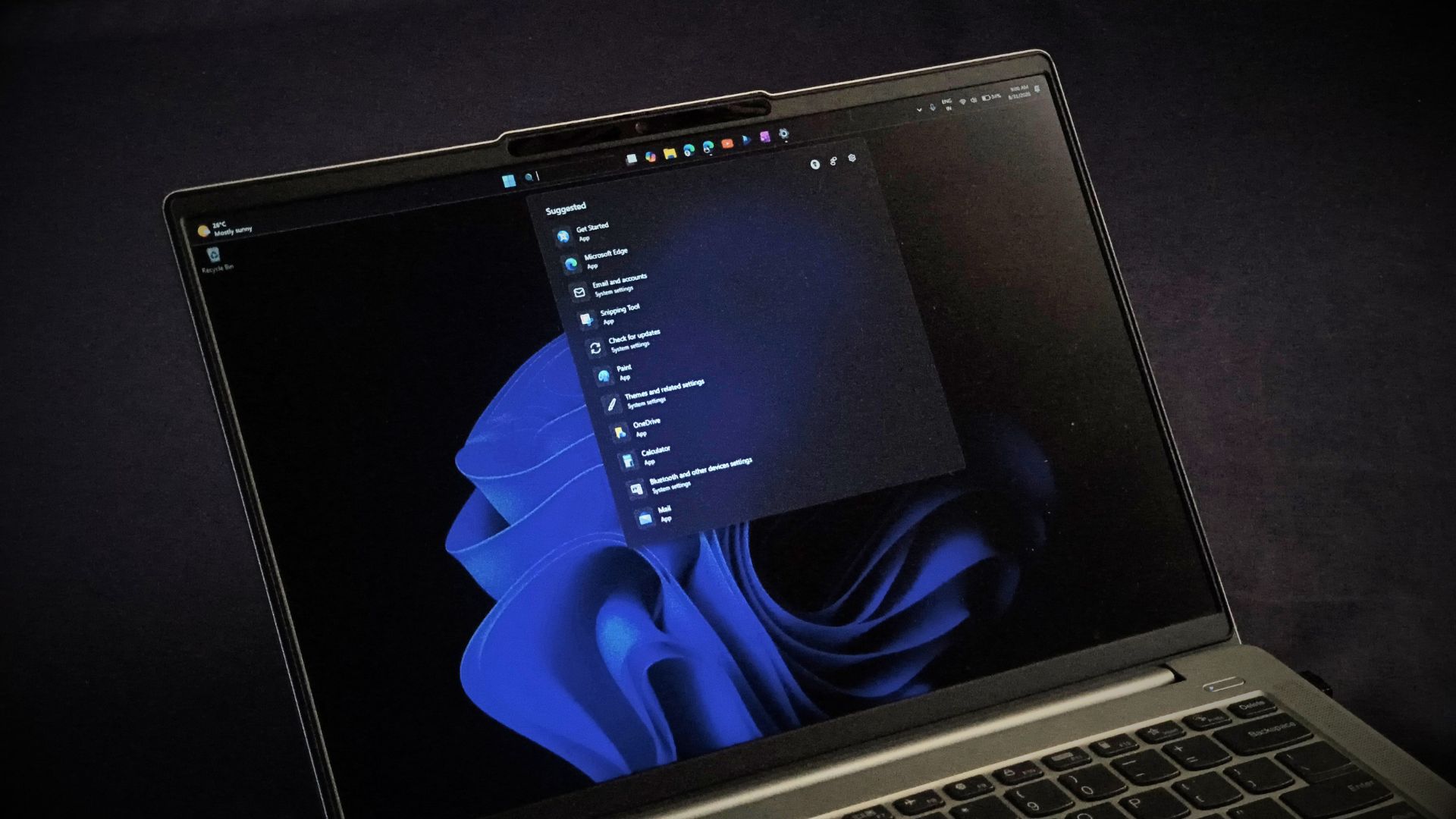
I tested Windows 11 September 2026 update, here's everything new, improved, and fixed
Windows 11 September 2026 Patch Tuesday brings a movable taskbar, resizable Start menu, and Bing-free Search. Here is what is new.
www.windowslatest.com
Something not talked about much, but I did find it on a blog after I noticed it, When installing a CU from WU, it stealthily forces on a APO driver ignoring driver WU group policy, so e.g. if you block drivers from WU, this bypasses it, It installs on both July and Aug 2026 (and probably earlier CU also), and at same time the CU is installed, it isnt listed as a installed update, but appears in device manager.
The above two updates which are yet more explorer/start menu/search feature changes, just backs up Windows 11 is sadly a beta build portrayed as stable, these applying to LTSC is just wild, as LTSC is supposed to be code stable. They literally redesigning these interfaces every month now.
I did find a windhawk patch that massively improves explorer navigation speed in 11, apparently is a bug that Microsoft runs a lot of looped requests every time you switch folders, curious if they just pulling stuff of windhawk at this point and merging it in.
The above two updates which are yet more explorer/start menu/search feature changes, just backs up Windows 11 is sadly a beta build portrayed as stable, these applying to LTSC is just wild, as LTSC is supposed to be code stable. They literally redesigning these interfaces every month now.
I did find a windhawk patch that massively improves explorer navigation speed in 11, apparently is a bug that Microsoft runs a lot of looped requests every time you switch folders, curious if they just pulling stuff of windhawk at this point and merging it in.
Last edited: