
scaramonga
Active Member
- Messages
- 195
- Reaction score
- 47
Further to my thread about enabling new features on LTSC.
That thread can be deleted if desired, as this problem still persists without going anywhere near enablement ID's.
I decided to integrate latest (9550) on image: 'en-gb_windows_11_enterprise_ltsc_2024_x64_dvd_e2137661' tonight, with the standard 'preset' I have used forever, no changes.
Upon first boot, I'm greeted with the 'ribbon' in file explorer, and the 'limited' right click menu again???, upon activation, it remains the same. Why is this 'ribbon' even here now?
Nothing done to system, it presents itself as just that?, activated or not.
(9457) does not, and I have it running in VM with no 'ribbon', nor 'right click' nonsense?, can anyone put their finger on this please?
It IS keeping me awake @ nights.
Latest 9539 version image, (9445 & 9457 same)
Trying to enable the following:
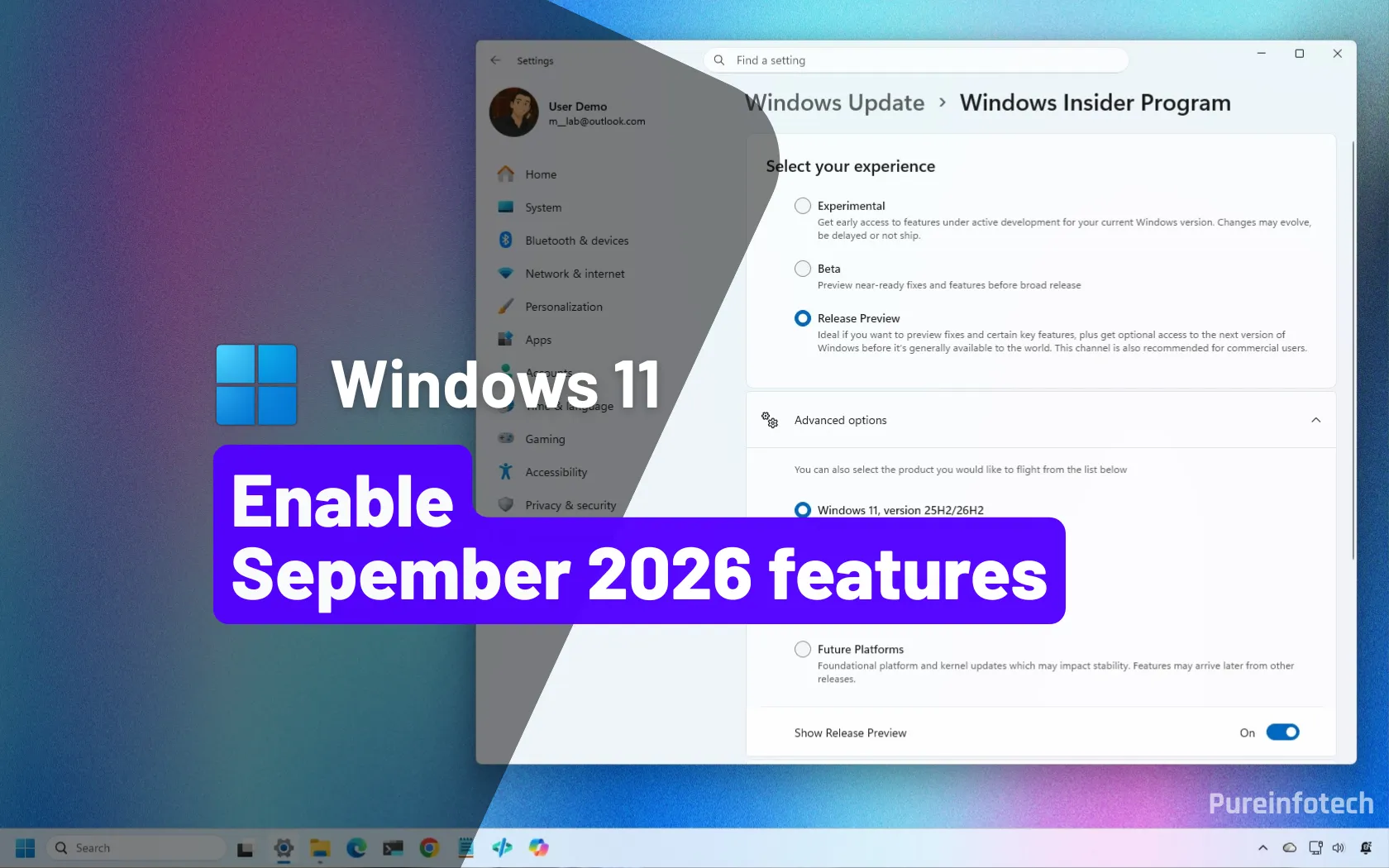
 pureinfotech.com
id:61161244 (All), results in the following mish-mash, aka features enabled, but has the adverse effect of adding back the 'ribbon' in file explorer, along with removing 'tabs', and limiting the 'right click menu'? WTF!?
Any other 'id' from above added individually, does nothing?
id:62353331,62762248,61754985, nor id:59213768,61090762 do nothing either?
Is this a case of 25H2/26H2 'enablement package' not being...
Trying to enable the following:
I unlocked the Windows 11 September 2026 update early, and here's how you can too
KB5120998 – Windows 11's September 2026 update adds new features, but Microsoft is rolling them out gradually. Here's how to unlock them with ViveTool.
pureinfotech.com
id:61161244 (All), results in the following mish-mash, aka features enabled, but has the adverse effect of adding back the 'ribbon' in file explorer, along with removing 'tabs', and limiting the 'right click menu'? WTF!?
Any other 'id' from above added individually, does nothing?
id:62353331,62762248,61754985, nor id:59213768,61090762 do nothing either?
Is this a case of 25H2/26H2 'enablement package' not being...
- scaramonga
- Replies: 13
- Forum: Questions and Reports
That thread can be deleted if desired, as this problem still persists without going anywhere near enablement ID's.
I decided to integrate latest (9550) on image: 'en-gb_windows_11_enterprise_ltsc_2024_x64_dvd_e2137661' tonight, with the standard 'preset' I have used forever, no changes.
Upon first boot, I'm greeted with the 'ribbon' in file explorer, and the 'limited' right click menu again???, upon activation, it remains the same. Why is this 'ribbon' even here now?
Nothing done to system, it presents itself as just that?, activated or not.
(9457) does not, and I have it running in VM with no 'ribbon', nor 'right click' nonsense?, can anyone put their finger on this please?
It IS keeping me awake @ nights.
Attachments


Last edited:

 Although irritating MS again with its 'remove something, break something'.
