
scaramonga
Active Member
- Messages
- 214
- Reaction score
- 48
Latest 9539 version image, (9445 & 9457 same)
Trying to enable the following:
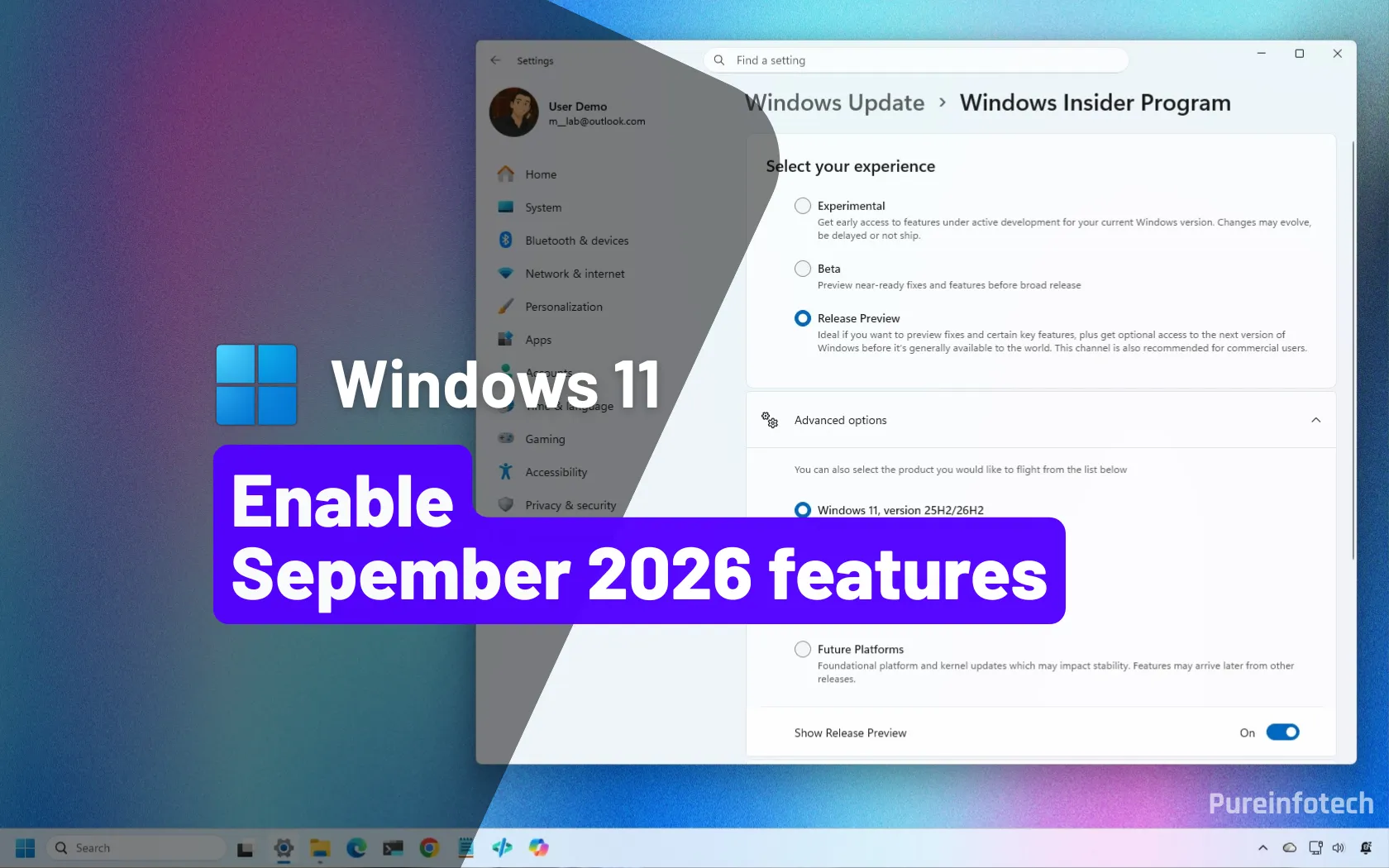
 pureinfotech.com
id:61161244 (All), results in the following mish-mash, aka features enabled, but has the adverse effect of adding back the 'ribbon' in file explorer, along with removing 'tabs', and limiting the 'right click menu'? WTF!?
Any other 'id' from above added individually, does nothing?
id:62353331,62762248,61754985, nor id:59213768,61090762 do nothing either?
Is this a case of 25H2/26H2 'enablement package' not being installed @ ISO creation, or am I missing something in my pre set?
Trying to enable the following:
I unlocked the Windows 11 September 2026 update early, and here's how you can too
KB5120998 – Windows 11's September 2026 update adds new features, but Microsoft is rolling them out gradually. Here's how to unlock them with ViveTool.
pureinfotech.com
id:61161244 (All), results in the following mish-mash, aka features enabled, but has the adverse effect of adding back the 'ribbon' in file explorer, along with removing 'tabs', and limiting the 'right click menu'? WTF!?
Any other 'id' from above added individually, does nothing?
id:62353331,62762248,61754985, nor id:59213768,61090762 do nothing either?
Is this a case of 25H2/26H2 'enablement package' not being installed @ ISO creation, or am I missing something in my pre set?
Attachments

Last edited:


